Blog
Guides and tips for removing, blurring and replacing video backgrounds
Comparison2026/11/18
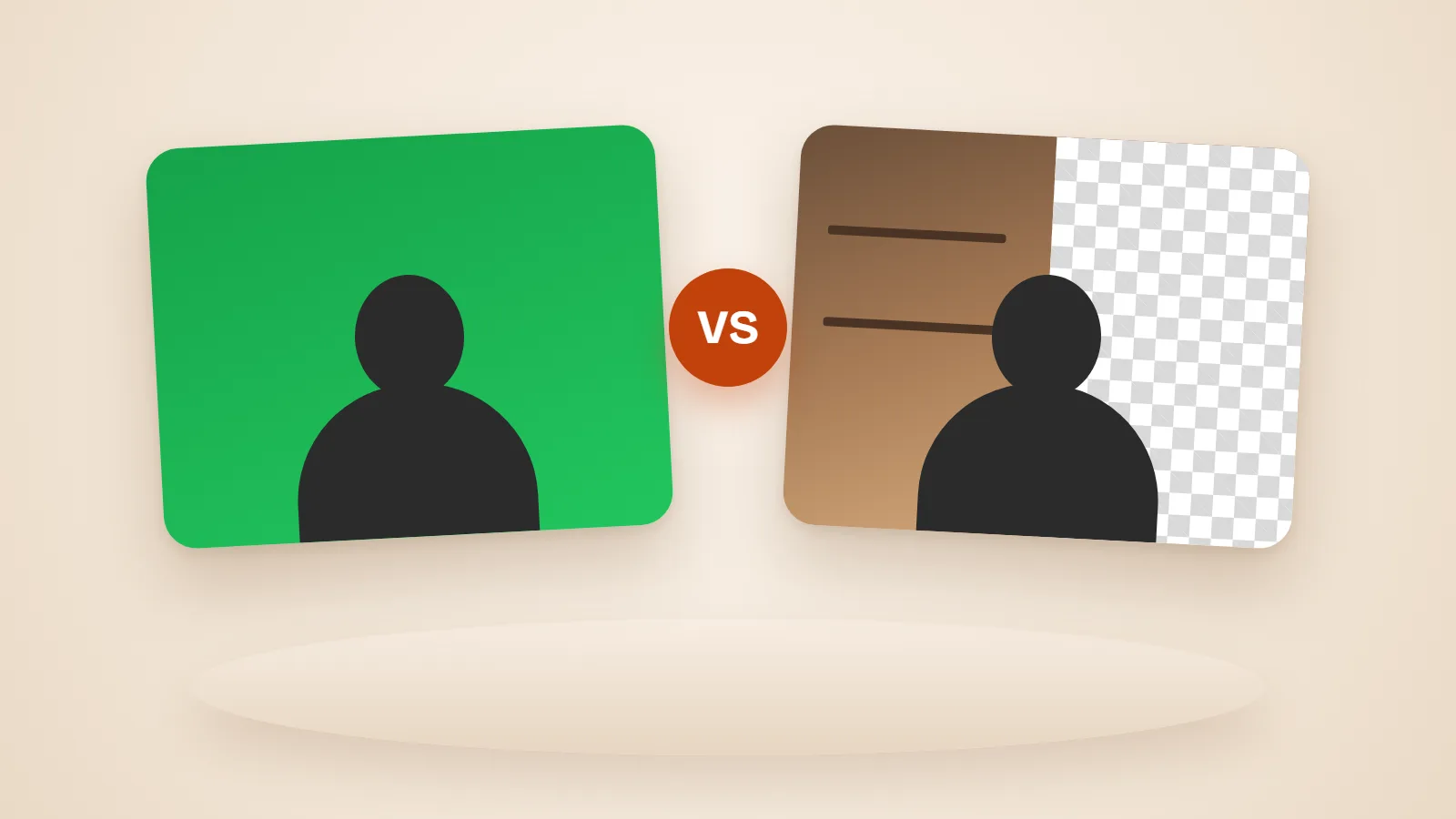
Green Screen vs AI Background Removal: Which Should You Use?
Chroma keying and AI matting both remove video backgrounds, but they work very differently. Compare quality, speed and setup to choose the right one.
Guide2026/11/18
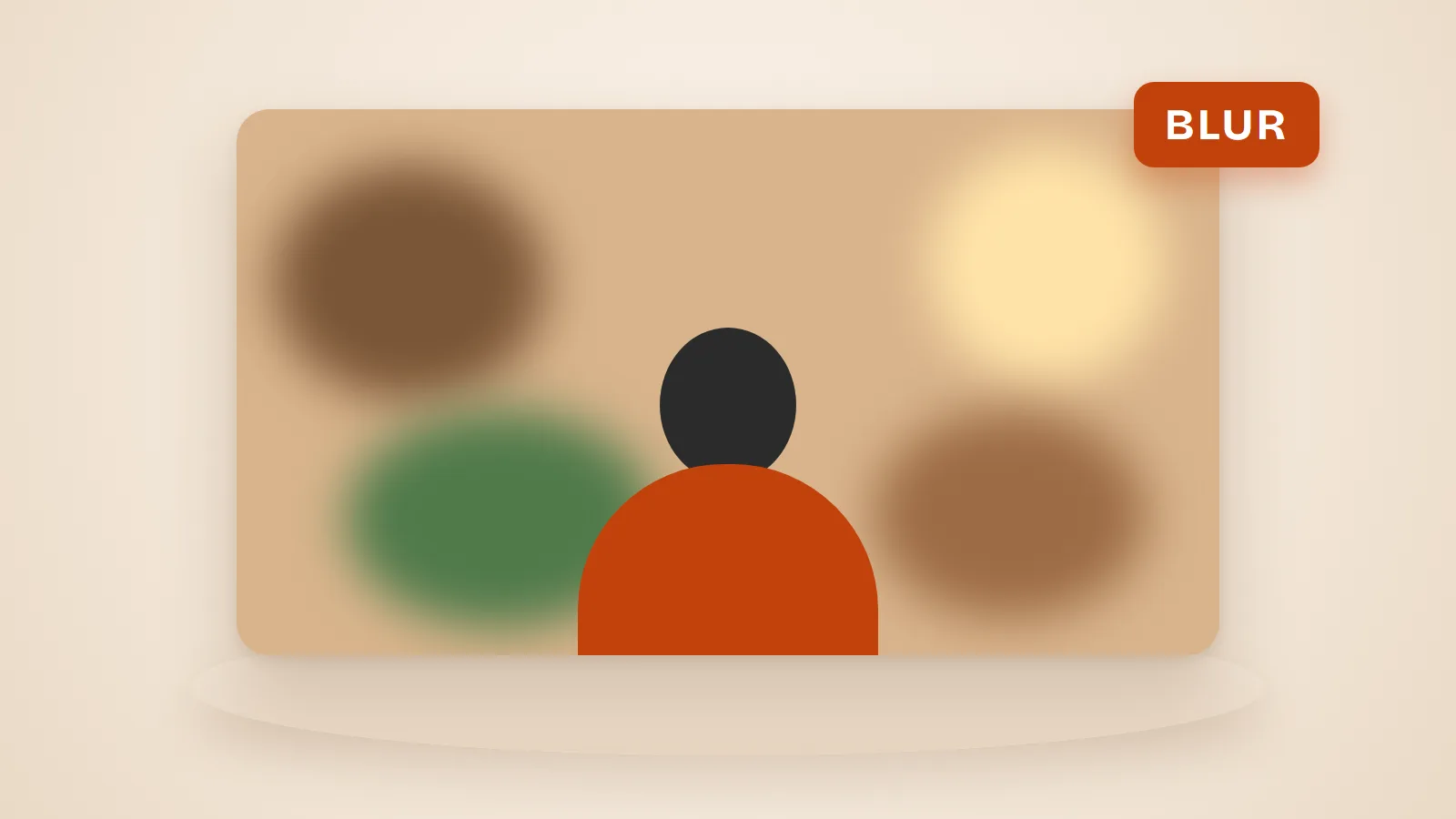
How to Blur Your Video Background (and When You Should)
A blurred background keeps attention on you without hiding where you are. How to blur a video background after filming and make it look natural.

Guide2026/11/18
How to Make a Transparent GIF
Turn a GIF or a short video into an animated GIF with a transparent background. Learn what GIF transparency can and can't do, and how to get clean edges.
Guide2026/11/18
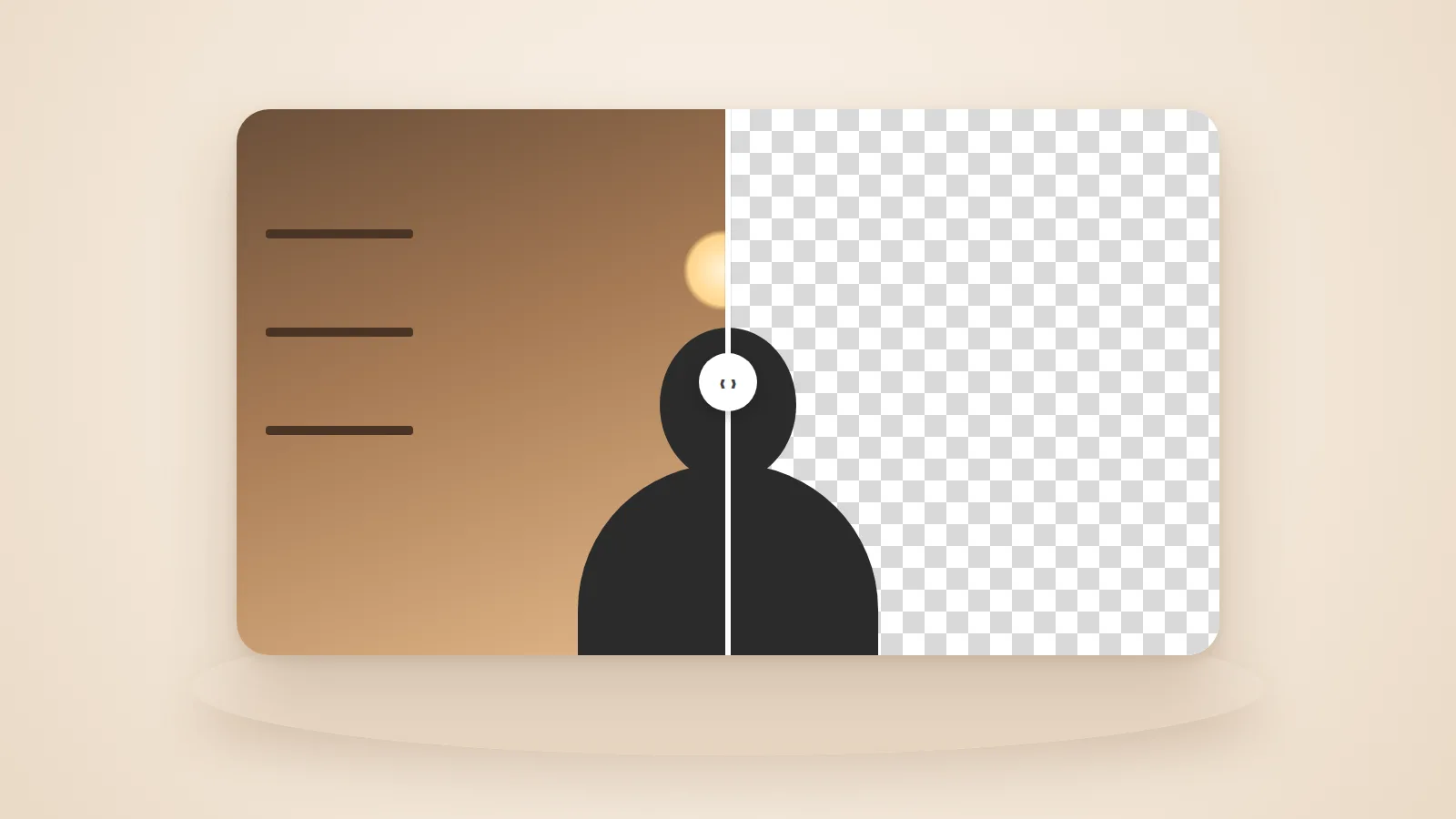
How to Remove a Video Background Without a Green Screen
No green screen, no studio, no editing software. How AI background removal works, how to film for clean results, and how to do it free in your browser.
Explainer2026/11/18
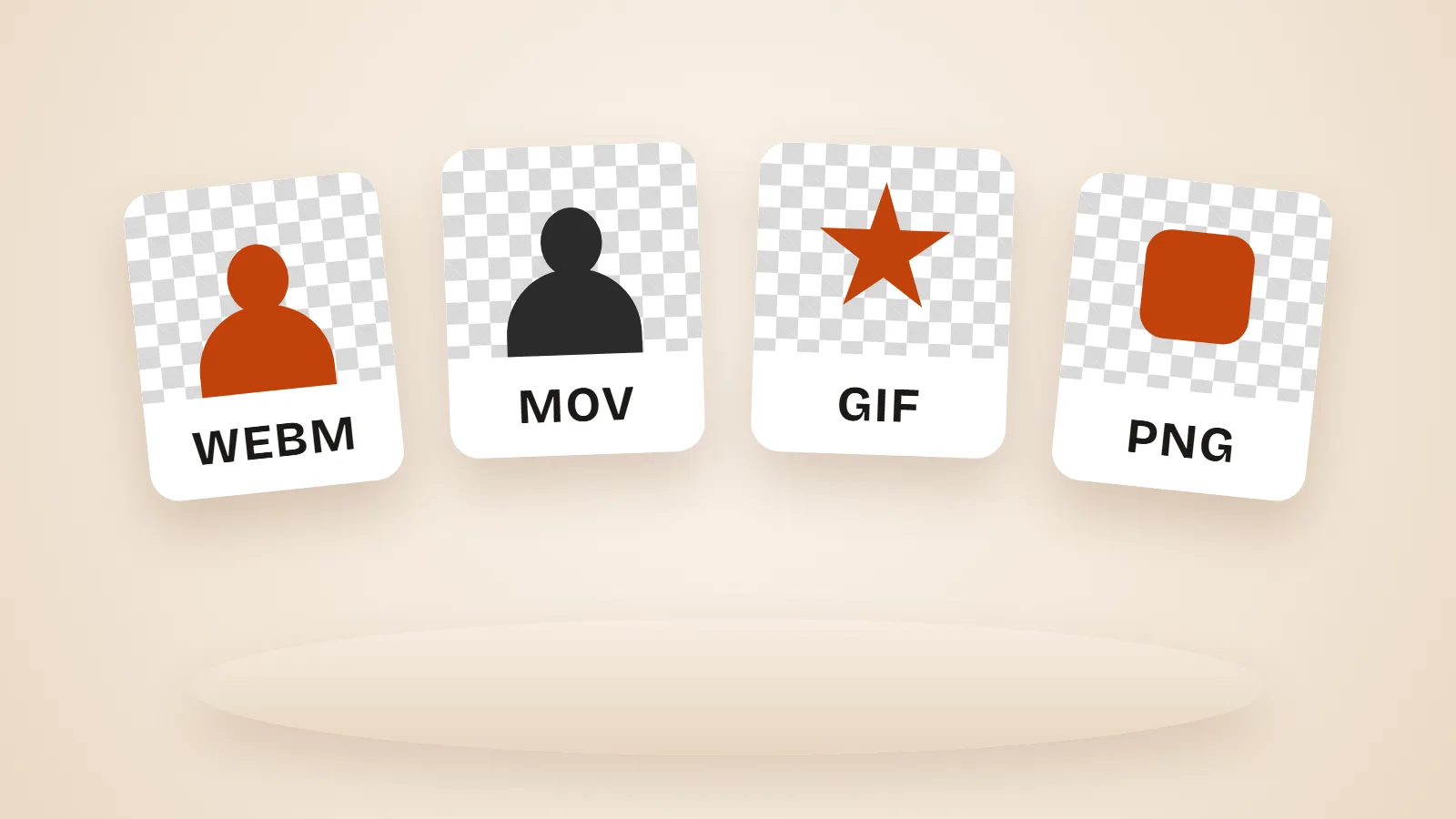
Transparent Video Formats Explained: WebM, MOV, GIF and PNG
Not every video format can store transparency. Learn which ones can, how they differ, and which to choose for editors, websites and social media.

Guide2026/11/17
Getting Started with CutVideoBG
A quick tour of the editor: open a file, let the AI remove the background, choose a new one, and export the right format for your project.